I filmed a whole video through it. This page shows what the AI did, what I did, and why it matters to people who will never touch a 3D printer.
10-minute read · No engineering knowledge needed
Florian RoscheckManager AI Consulting @ Henkel
Hobby project · own time, own views
16days from first brief to filming
26printed parts, all designed by AI
20,000+lines of code, written by AI
1human, making the calls
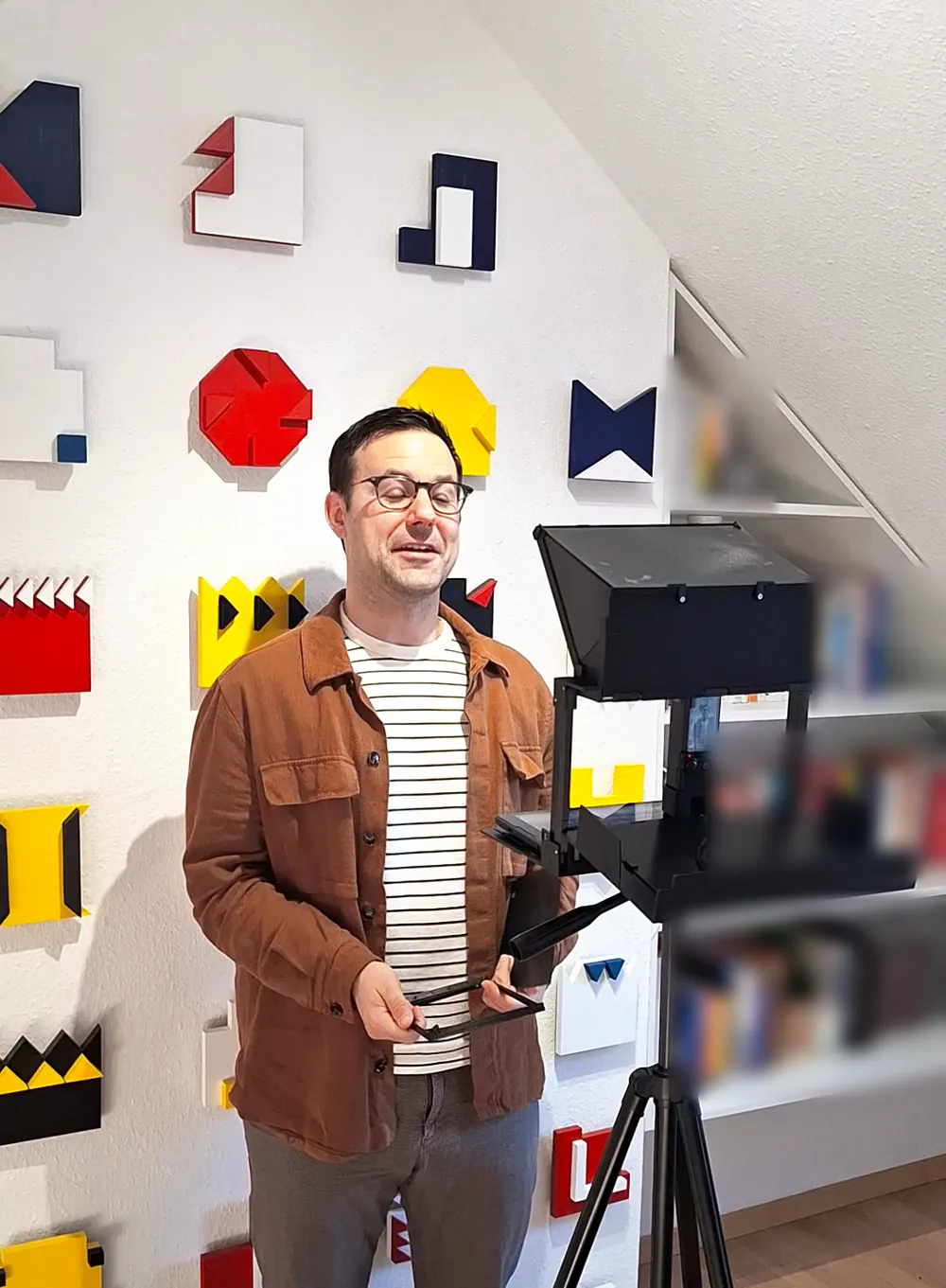
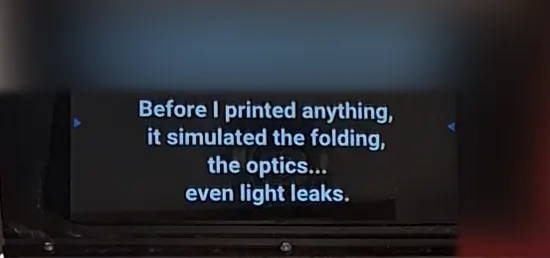
39 seconds, filmed through the device itself.
The short version
A device that didn’t exist, described in words
I described what I needed. An AI called Claude designed the device, tested it on the computer, wrote the files for my 3D printer, and worked out why things broke.
I set the goal, made the big decisions, printed the parts and put them together.
The gadget is fun. The real story is how many different jobs one AI could do in a single project.
The device
What is a teleprompter?
It lets you read a script while looking straight into the camera. The trick is a sheet of special glass.
From the speaker’s side, the script floats in the glass.
One sheet of glass: a mirror for you, a window for the camera.
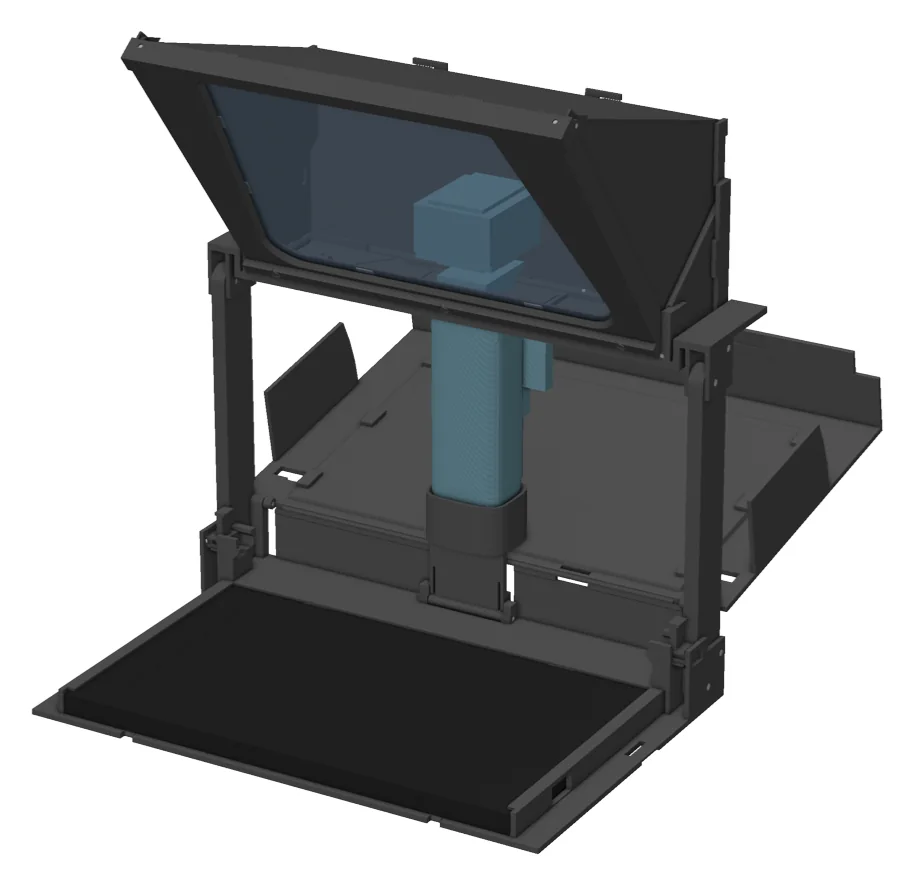
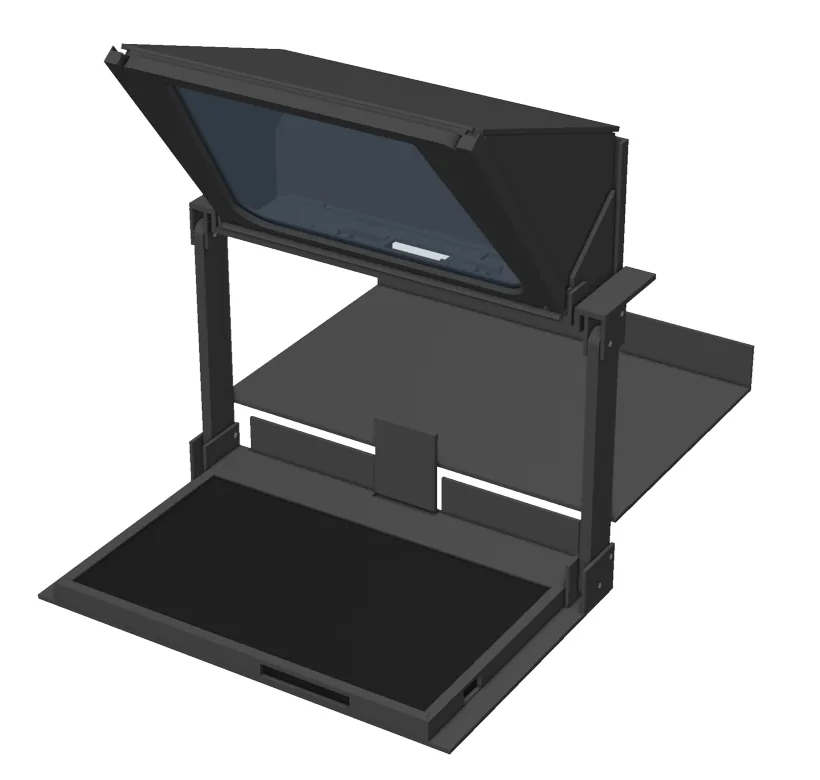
Mine had to work with three things I already owned: a pocket-sized DJI camera, an old Lenovo tablet and a sheet of teleprompter glass. And it had to fold to the size of a book, tablet and glass inside.
I couldn’t find another one like it.
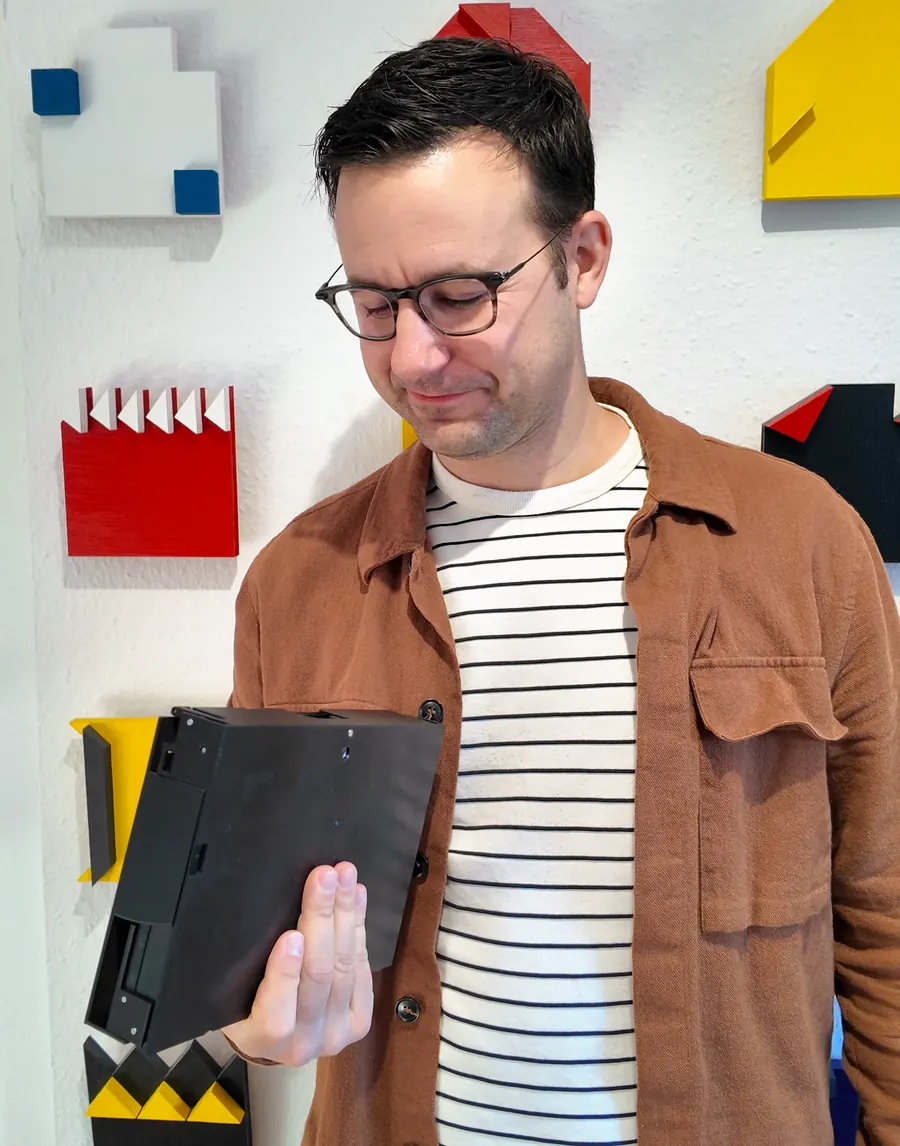
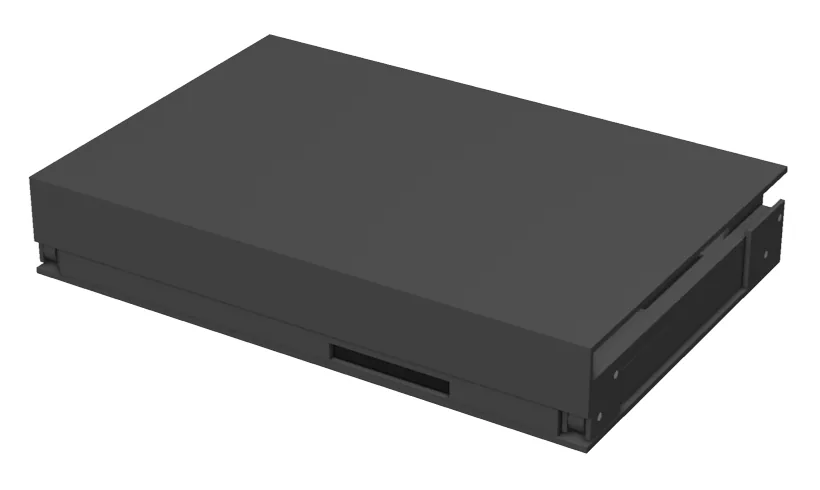
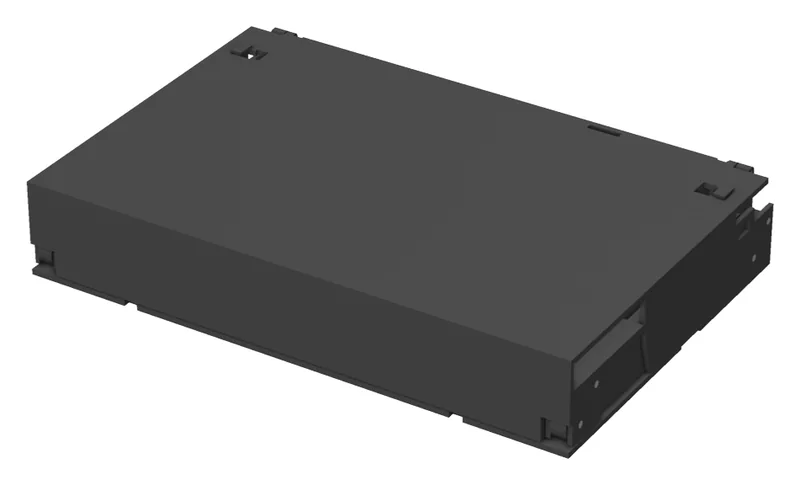
Folded: 239 × 159 × 43 mm. Tablet, glass and hood are inside.
Step 1 · The brief
First, write down what “good” means
Before any design, there was a written brief: about 4,000 words with 14 hard rules, agreed in an interview. A few of them, in plain language:
Folds to 240 × 160 × 45 mm, tablet and glass inside
The glass never comes out, not even for folding
No stray light may reach the lens
The camera’s view is never cut off
Every custom part prints on my home 3D printer
At most five test prints
Stop twice and wait for my approval
Never call a test passed unless it really ran
The last two rules turn a fast assistant into a colleague you can trust.
Step 2 · The first surprise
The AI’s first move was to disagree with me
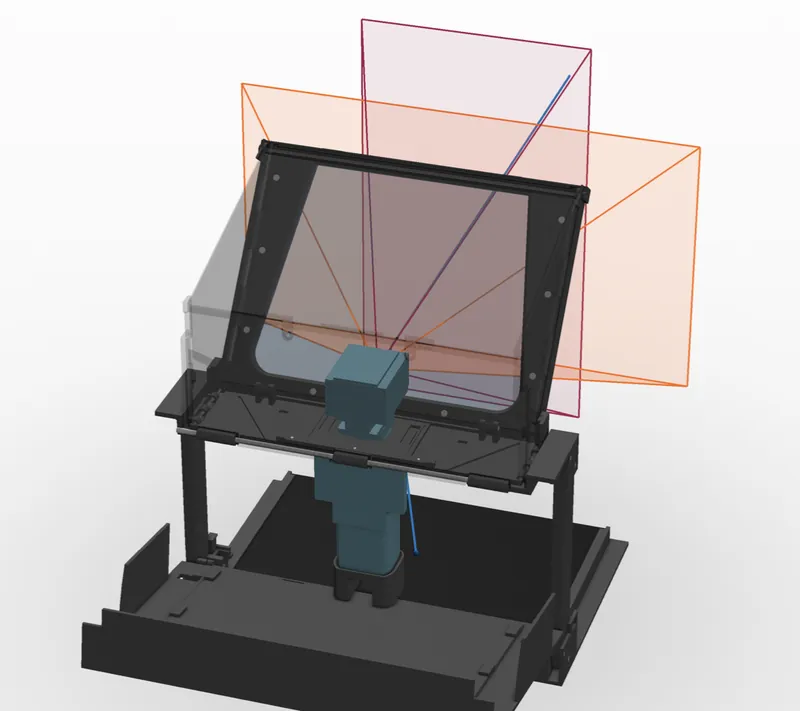
My brief said the glass should sit at about 45 degrees, the classic teleprompter angle. Claude did the maths before designing anything and flagged a conflict: with my glass and my camera, 45 degrees cannot work.
Try it yourself, with results from the project’s own optics code.
45°My brief
Script reaching the speakerCamera’s viewPart of the view misses the glass
Share of the tablet’s screen the speaker can see in the glass
44°50°53°61°
53° is the sweet spot. Claude’s first answer was 59°. With better lens data, which I checked by measuring the camera’s view on a wall, it moved to 53°. The visible script area roughly doubled.
It never quietly changed my number. It logged the conflict and waited for my OK.
Step 3 · Three ideas
Three designs, then one human decision
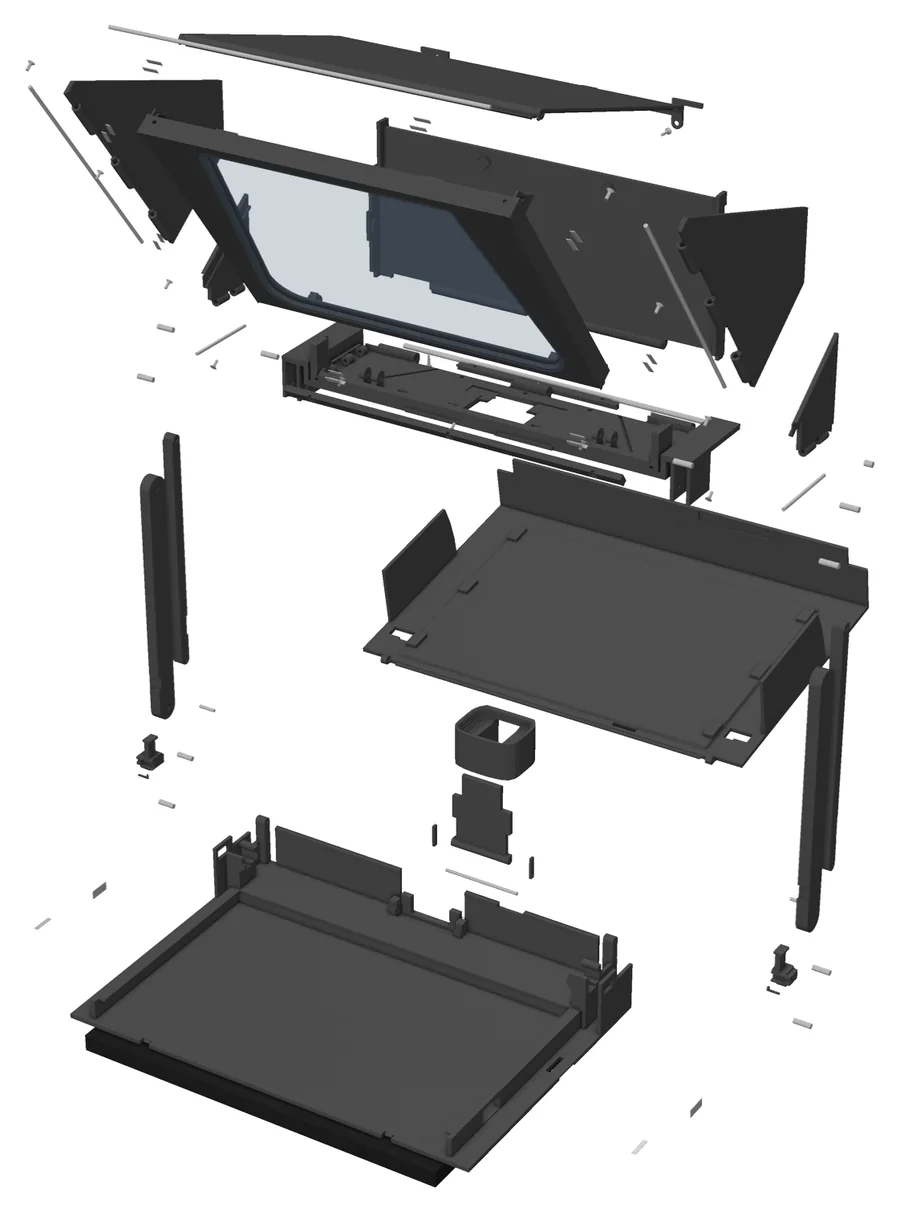
Claude built three different designs as real 3D models and scored each one on strength, weight, ease of packing, printability and repair.
Set upFolded
One detail is worth noticing. The Capsule won on points, 3.15 to 3.00. Claude recommended the Tower anyway and explained why: the lead came mainly from lower weight, while the Tower had no sliding parts to fine-tune.
The score was advice, not a verdict. I chose the Tower.
Step 4 · The design
It doesn’t draw. It writes.
When I studied engineering, I built parts by clicking through a 3D design program for hours. Claude works differently. It writes the design as code: a long, exact recipe that says “take this plate, cut a hole here, add a hinge there”.
Then · 2011 · Me, clicking
Now · Claude, writing
# printed floor under the nut: a 4.5-mm tripod# screw still engages 2.5 mm = 2 turns (F-13)
NUT_FLOOR = 2.0# F-56 (P14): gusset under the knuckle
y_gus = sorted([Hn_y - s * FRAME_KNUCKLE_R, …])
lug_n = lug_n + (GU.box(xs[0], xs[1], *y_gus, …)
Real lines from the design file.
Every printed part comes out of that recipe.
Why a recipe beats a drawing:
Easy to change. Alter one number, run it again, and everything follows.
On record. Each number sits next to its reason.
Testable. A computer can check a recipe automatically, over and over.
Step 5 · Testing
It tried to break the design on the computer first
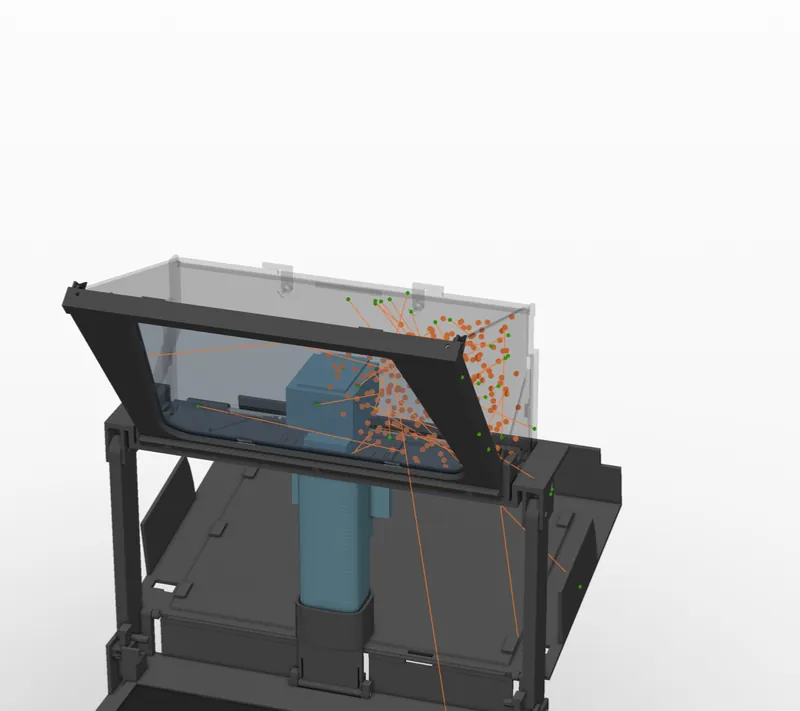
You can’t buy a teleprompter simulator. So Claude wrote its own test tools and treated the 3D model as a digital twin.
›Ready to film
0 of 779 positions checked0 collisions
Sped up. Reflections in the glass are blurred for privacy.
Camera view0 rays clipped, in both video formats.Light leaks299 points tested, 0 leaks.Strength and heatEstimates, such as lid sag onto the glass.
How do you test for light leaks without a real device?
Light travels in straight lines. If no straight line gets from outside to the lens, no light does either. Move the flashlight and compare the two joints.
Claude ran this logic in 3D. Such checks prove the geometry, not that a part survives real life.
Step 6 · Reality
Then reality pushed back
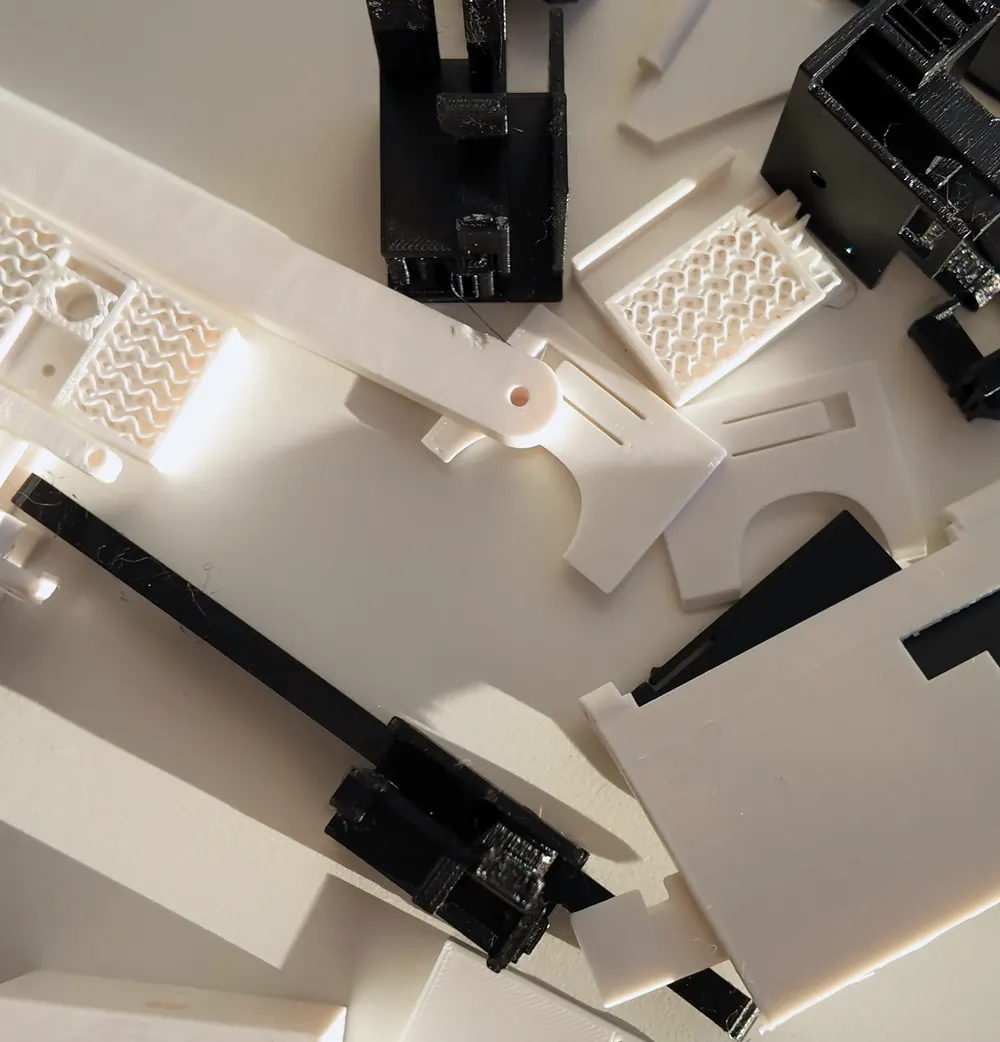
A simulation only knows what it has been told. So I printed small test pieces, measured them and typed in the results. Claude explained each failure and reworked the design.
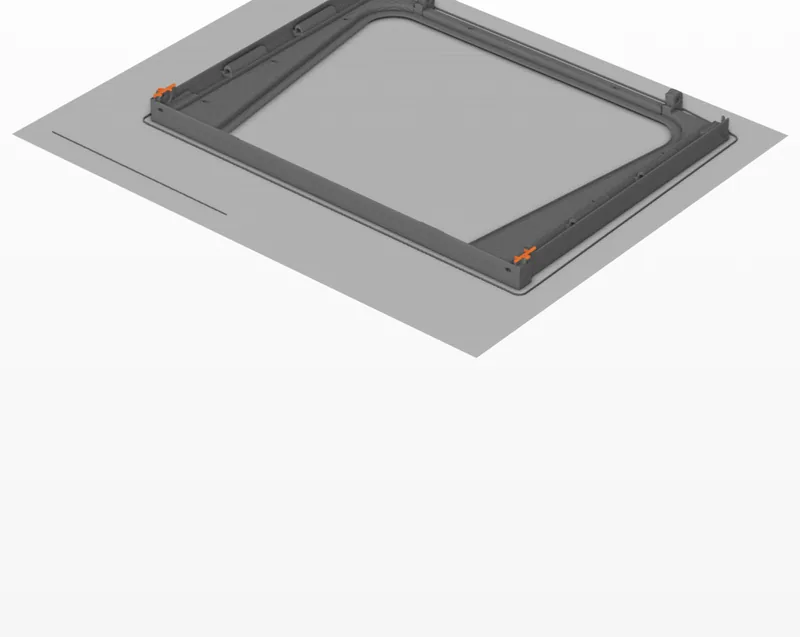
Test pieces: only the risky bits of the design.
What each test print showed
Checks passedChecks failed
I later raised my limit of five test prints, step by step, to ten.
56 problems were logged. Where did they show up?
The last ten were the hard ones. Here are three.
Problem 1
The tablet was bigger than its file
My 3D file said 210 mm, my calipers 213 mm. I had told Claude to trust the file, so one part no longer fitted. A redesigned lid now holds the tablet.
Lesson: AI can’t check what it can’t see. Wrong input, wrong output.
Problem 2
The hinges snapped
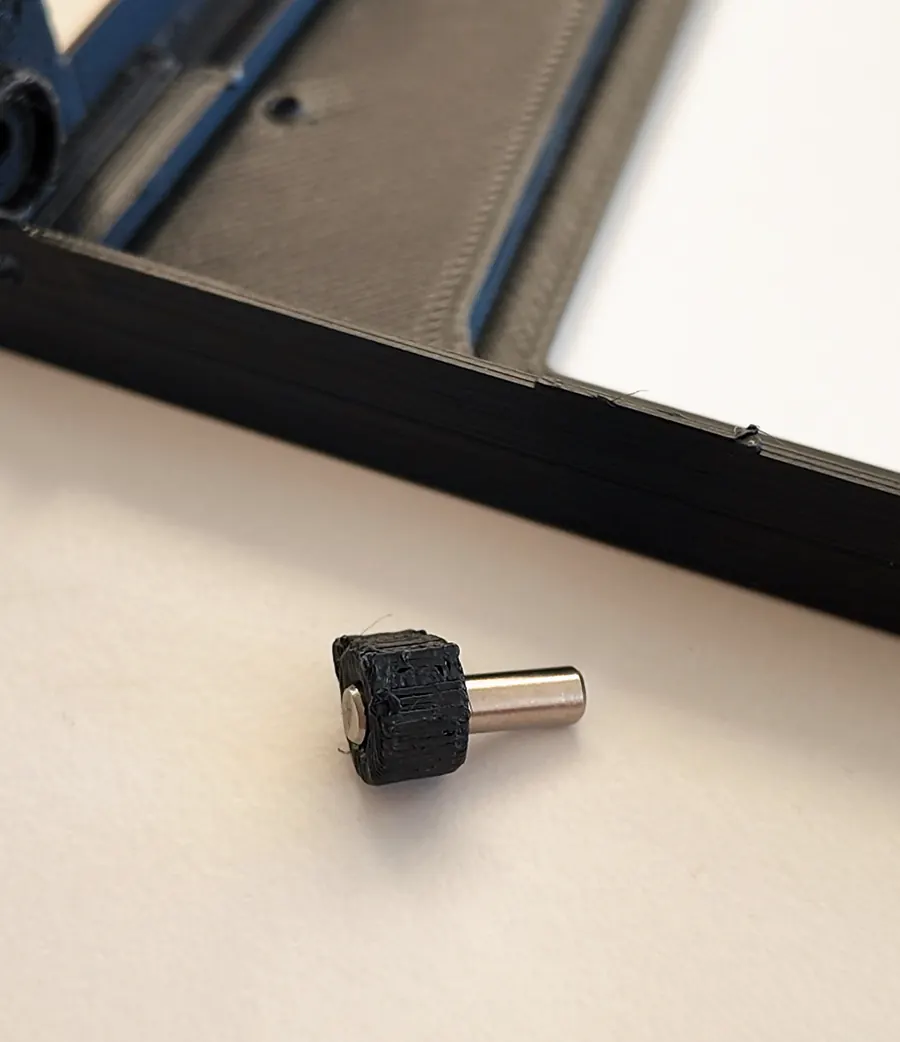
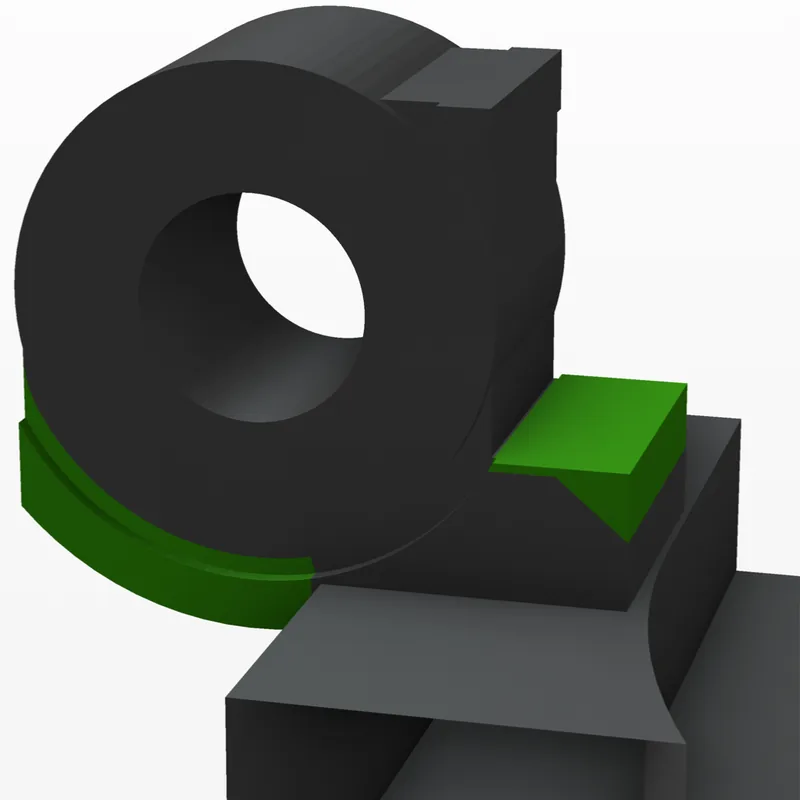
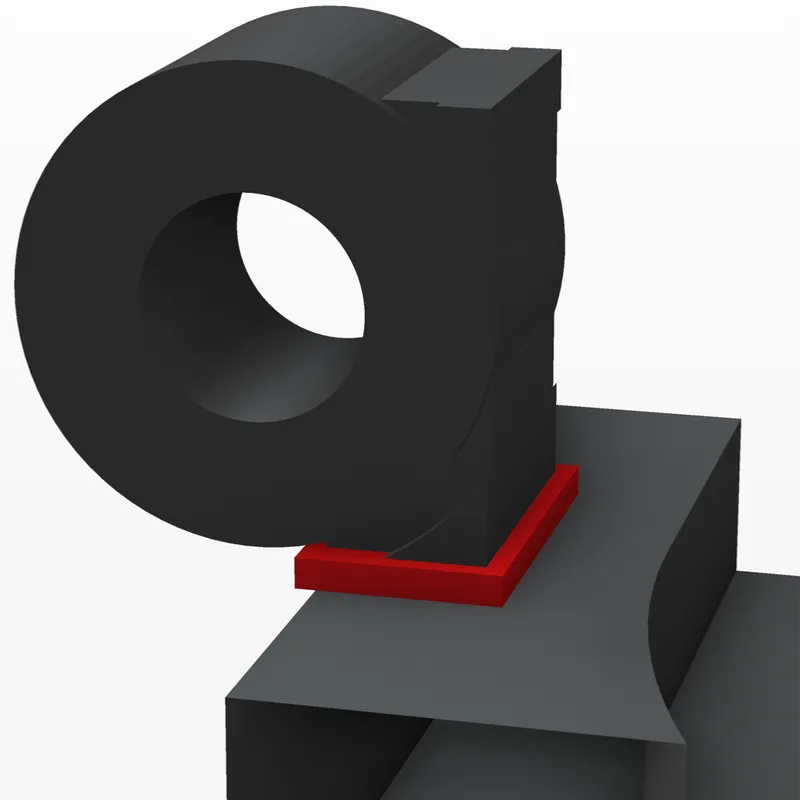
Both small hinges on the glass frame broke off. I sent Claude a photo. It traced the cause to a 4.6 × 2.4 mm neck sitting on one print layer. 3D prints are stacks of thin layers and, like paper, they split between sheets.
Claude called it a design error: a situation it had never checked. The fix adds a foot and a wedge, by estimate about 9.5 times stronger.
Lesson: the most useful words from a colleague are “my mistake, here is why”.
The real break
BeforeAfter
Problem 3
It called off its own fix
The first hinge fix needed a small cut in a neighbouring part. I approved it and started printing. Then Claude’s light check found the cut would let light in. It withdrew the file and I stopped the printer. A better fix followed the same day.
Lesson: hard rules work. “No stray light” beat a plan I had already approved.
Withdrawn
Claude
› Light path through the deck cut.
⚠ Withdrawing this print file.
Who did what
So who actually did the work?
The honest split, stage by stage:
MeClaude
The brief
Set the goal and the hard rules.
Turned the rules into checks. Flagged the 45° conflict.
Concepts
Chose the Tower. Approved 53°.
Built and scored three designs. Reworked the chosen one.
Detailed design
Measured the camera. Made the calls when options came up.
Wrote all 26 parts as code. Wrote its own test tools.
Test prints
Printed, measured, reported what I saw.
Picked what to test, wrote the printer files, evaluated every result.
Buying and building
Paid. Ran 50+ hours of printing. Assembled it and filed plastic.
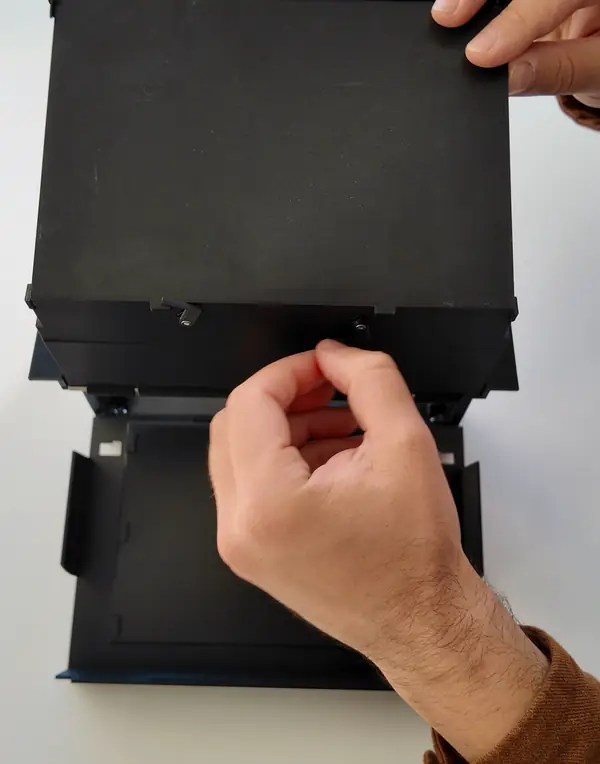
Checked screws against the design. Wrote the manual. Diagnosed each failure.
The video
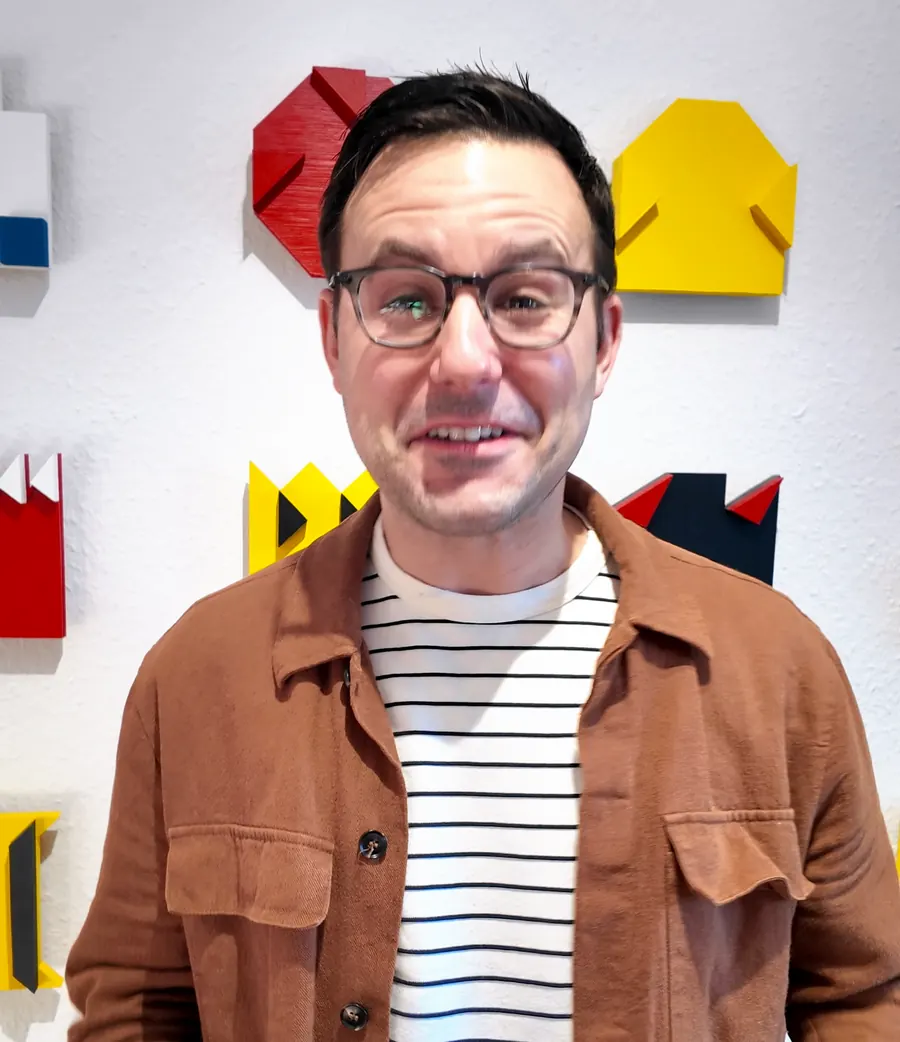
Stood in front of the camera. Reviewed every cut.
Script, renders, graphics, sound, edit, captions.
100 logged decisions. Tap a square.
Each square is one entry in the project’s decision log, in order.
Claude made most of the technical calls. Every approval, every extra print and every accepted risk was mine.
What steering looked like
yes to the second coupon; go with geometric overlaps
go with the +1.5 mm panel
my decision is to move ahead, even without a test print
≈ 2,100words typed by me in about 70 messages
2,500+actions by Claude: commands, file edits, checks
Since 12 Oct, without the brief and measurement sheets. Earlier logs are on my old laptop.
The real point
One AI, a dozen jobs
Many people still think of AI as a chatbot that writes text. In this single project, the same AI took on tasks from a dozen different professions.
Why can one AI do all of that?
Because modern AI no longer just answers. It uses tools. It writes and runs code, reads files, searches the web and operates programs. When a tool is missing, it writes one.
YouGoal and rules
ClaudePlans and acts
Tools
Code
Simulation
Print software
Web
YouCheck and decide
If you can describe a job in words and check the result, AI can probably help with it.
It wasn’t equally good at everything, and it doesn’t replace an experienced engineer. But the range surprised me.
Your turn
You don’t need a 3D printer for this
It comes down to three habits from my day job:
Requirements
Say what good looks like, and what must never happen.
Execution
Let AI work in steps, with options, evidence and a log. Decide where it stops for you.
Feedback
Bring reality back in. Say what went wrong and let it find out why.
What could that look like in your world?
Try it · a starting prompt
I want to work on: [your project].
Good looks like: [3 to 5 measurable points].
Must never happen: [your hard limits].

First, ask what you need to know.
Then give me three options, recommend one and wait for my decision.
Mark anything you have not verified.
At work, use the AI tools your company has approved, and follow its rules for confidential data.
The fine print
What has not been proven
This is a one-off hobby build, not a product. It works well enough to film with, but these tests have not been run:
Flashlight test for light leaks on the real device
1 to 2 hours of continuous filming (heat)
A drop from 30 to 50 cm
Pressure inside a backpack
250 fold cycles
Final fit check of the reinforced hinges
The AI made real mistakes too. One of its own checks wrongly reported a clear path for a steel pin. That is why the logs and human gates exist.
My hobby project
What would you build?
The design, the code, the video and this page all came out of conversations with an AI. Maybe your next project can too.
 Buying and building
 The video